
Magical Share sends files through moving QR codes with the radios off
ZINCIRX built the optical link for nearby devices stuck behind accounts or blocked networks, but its useful payload is a document, and an exposed display still needs protection.
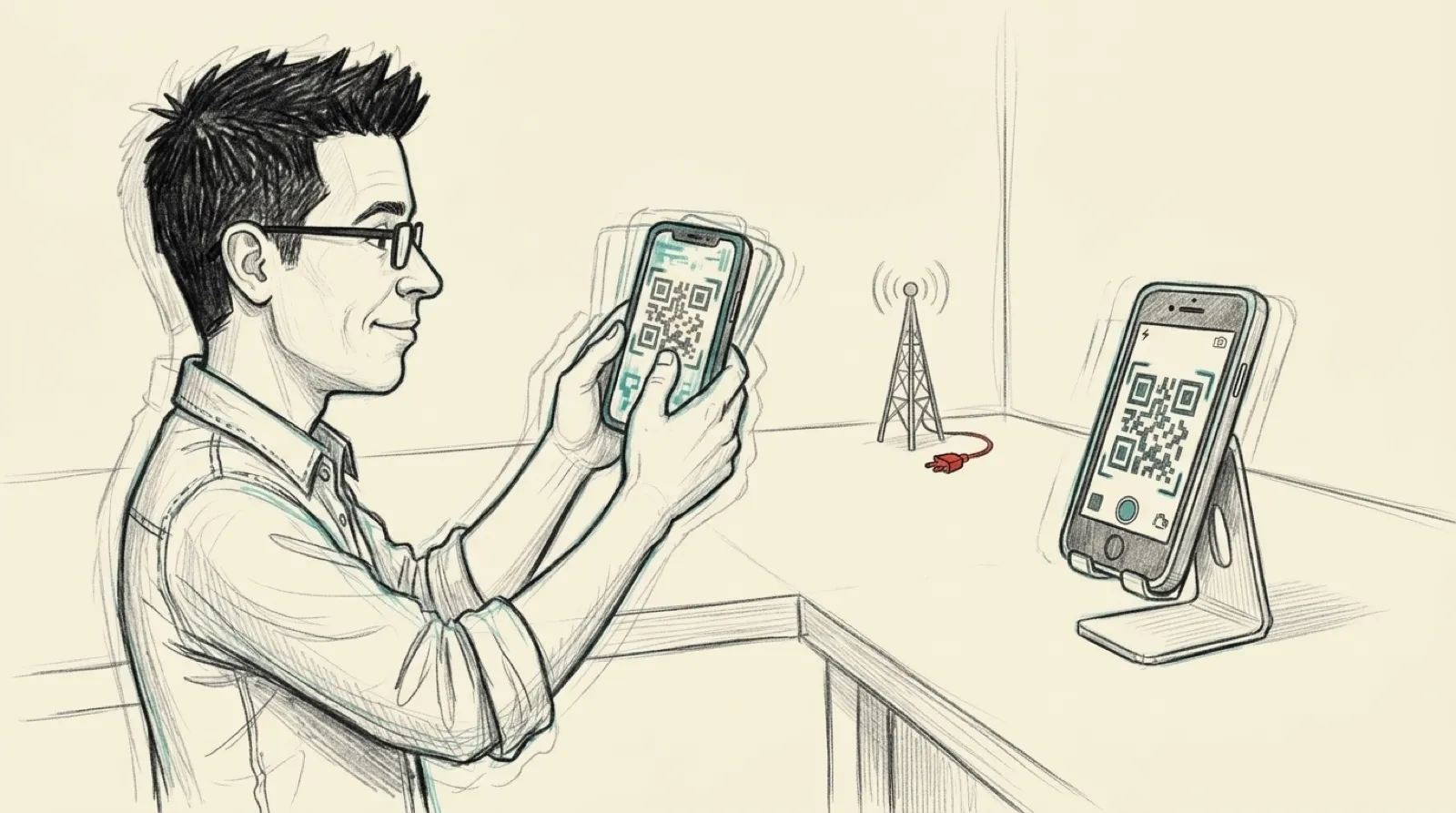
Your laptop and phone can sit two feet apart while you email a file to yourself through somebody else’s server. ZINCIRX built Magical Share around that ridiculous little detour. Its October 28 explanation describes replacing the account-and-upload routine with a display pointed at a camera.
The screen is the transmitter. The camera is the receiver. The sender wraps the file with its name, size and SHA-256 fingerprint, optionally compresses and encrypts it, then divides it into blocks. Each displayed frame mixes some of those blocks together. The maker says the screen shows two QR codes at a time, 30 times a second.
Catching every frame would be quite a demand to put on a person holding a phone. Fountain coding lets the receiver reconstruct the original after collecting enough useful combinations of blocks. You can begin scanning after transmission starts; a blurry frame adds waiting time. ZINCIRX reports about 15% extra frames above the minimum for a receiver joining midstream in simulation. That’s a simulation result, with no promise that your shaky wrist reproduces it.
Once the receiver has reconstructed the file, it checks the fingerprint before presenting it. A complete-looking image on a screen isn’t enough; the bytes have to match. The maker’s stated typical speed is 50 to 100 KB per second, putting its example 500 KB PDF at roughly five to ten seconds.
The support page sets a 200 MB ceiling, but recommends the tool for documents and photos. It suggests keeping the codes large in the camera view, avoiding glare and choosing Robust speed if scanning stalls. This transfer method gives brightness and distance jobs that a sharing dialog usually hides from you.
Key mode starts with the receiving phone showing a fresh public key. The sender scans that code, and both screens display an eight-digit number to compare. ZINCIRX identifies X25519, HKDF-SHA256 and ChaCha20-Poly1305 as the mechanisms under that mode. Those are the maker’s implementation claims, without an independent security assessment attached.
Passphrase mode derives a key with Argon2id. Open mode leaves the file unencrypted. The privacy policy is explicit: “anyone who can see your screen could capture it.” Turning the radios off doesn’t make an open display confidential, any more than unplugging a printer makes the pages in its tray private.
The platform and price limits are easy to miss. Android sends and receives; Mac and web versions send to Android, with iPhone and iPad support described as coming. Receiving from another phone remains free. Sending gets a seven-day trial before a one-time unlock; opening a web-sent file on Android also needs Pro or the trial, even though browser sending is free.
Optical sharing could be useful wherever the account setup takes longer than moving the file. Its adoption will depend on the receiving app being available when someone needs it. For now, the next practical hurdle is the same one facing every clever sharing scheme: does the other person’s phone have the right end of the connection?