
PlayStation 1 vs. PlayStation 2: the 8MB card holds backups, but PS1 games still need their old card
The larger card can archive an older save without becoming the card that the older game knows how to read.
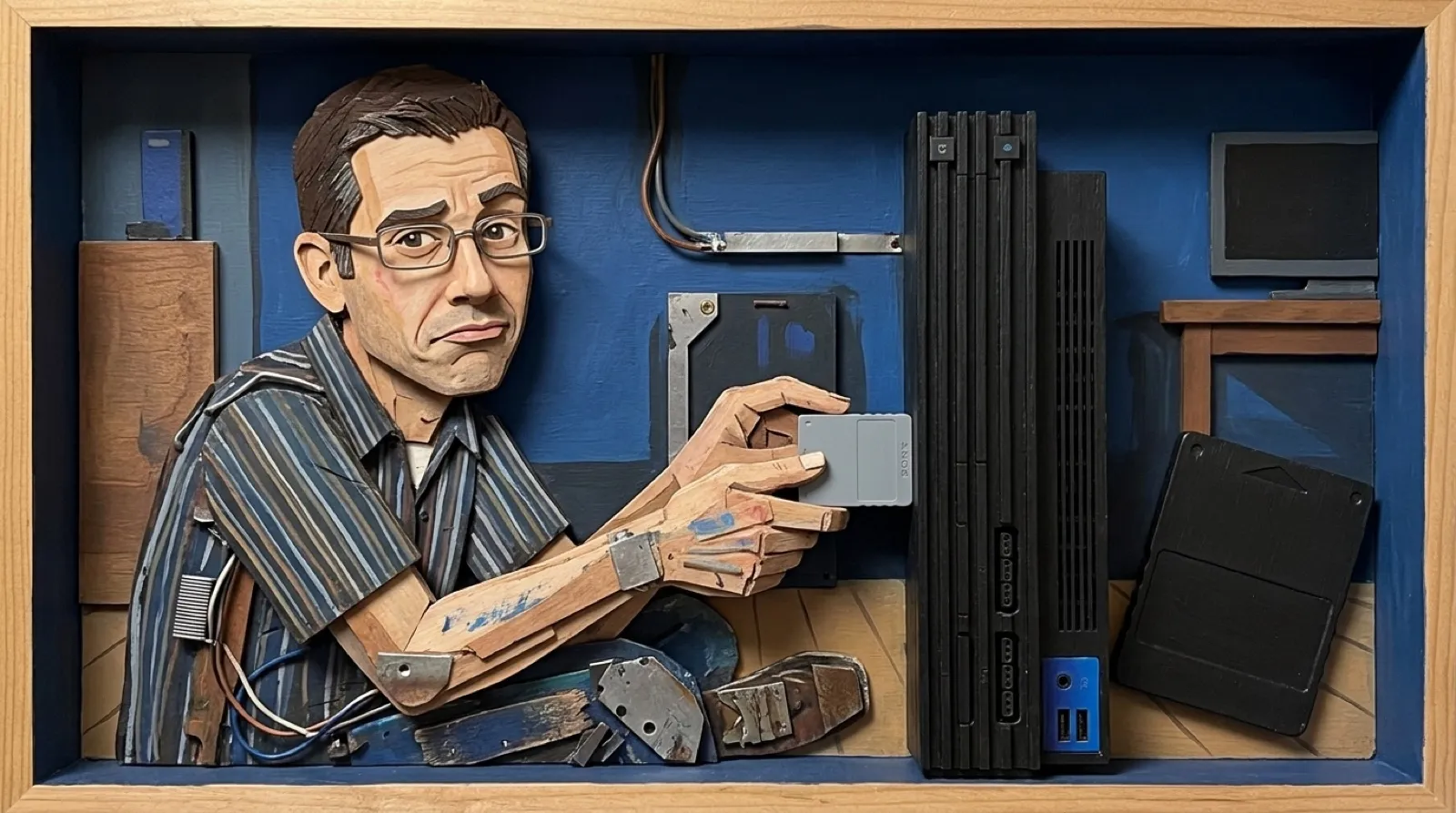
A save icon can appear on a memory card without the game being able to load it. Sony’s PS2 manual describes exactly that arrangement for original PlayStation saves copied onto the newer card. Your progress has a storage address and a separate playable address, which is a lot of administration for a tiny plastic rectangle.
The manual’s memory-card section assigns each card to its corresponding software format. The original PlayStation card is the one for PlayStation games. The 8 MB PS2 card serves PS2 games. A console that runs both kinds of software does not thereby make both kinds of card interchangeable.
| Task | PlayStation card | PS2 8 MB card |
|---|---|---|
| Save from PlayStation software | Yes | No |
| Store a copied PlayStation save | Yes | Yes, as an archive |
| Load that save in a PlayStation game | Yes | No, copy it back first |
| Save from PS2 software | No | Yes |
The table’s important distinction is between an archive copy and a working save location. Copying a file into a larger container preserves it in a place the console’s browser can manage. It does not teach an older game to access that container. A moving box can hold a filing cabinet’s contents without fitting into the cabinet drawer.
Sony lists the older card as 15 memory blocks, approximately 120 KB of usable storage, and the newer one as approximately 8 MB. Those are the manual’s figures rather than an attempt to compare raw chip capacity with usable save space. Even a large increase in space cannot answer the compatibility question by itself.
This matters most when preparing for a long game. An empty PS2 card may look like more than enough room, yet the PlayStation title still needs the appropriate original-format card. Discovering that after reaching a save point is a particularly effective way to become interested in manuals (the game has supplied the motivation).
The PS2’s Browser screen provides the copying route. Sony’s instructions distinguish copying from deleting and say not to remove the cards while either operation is underway. For a valuable save, keep the working source until the copy has been checked. A visible icon is useful evidence of storage, while loading the game checks the behavior you actually need.
Someone shopping for a PlayStation memory card should therefore begin with the game format, even if the machine on the shelf is a PS2. Capacity comes afterward. The larger card can be an archive for older progress, but the original-format card retains its small and unusually consequential job at the save screen.
The little card still gets the promotion.