
Doom takes over a Snapmaker U1’s screen, but the printer gets first refusal
Dr. Klipper documents a surprisingly specific adapter dependency and a local setup page for an appliance with a second job.
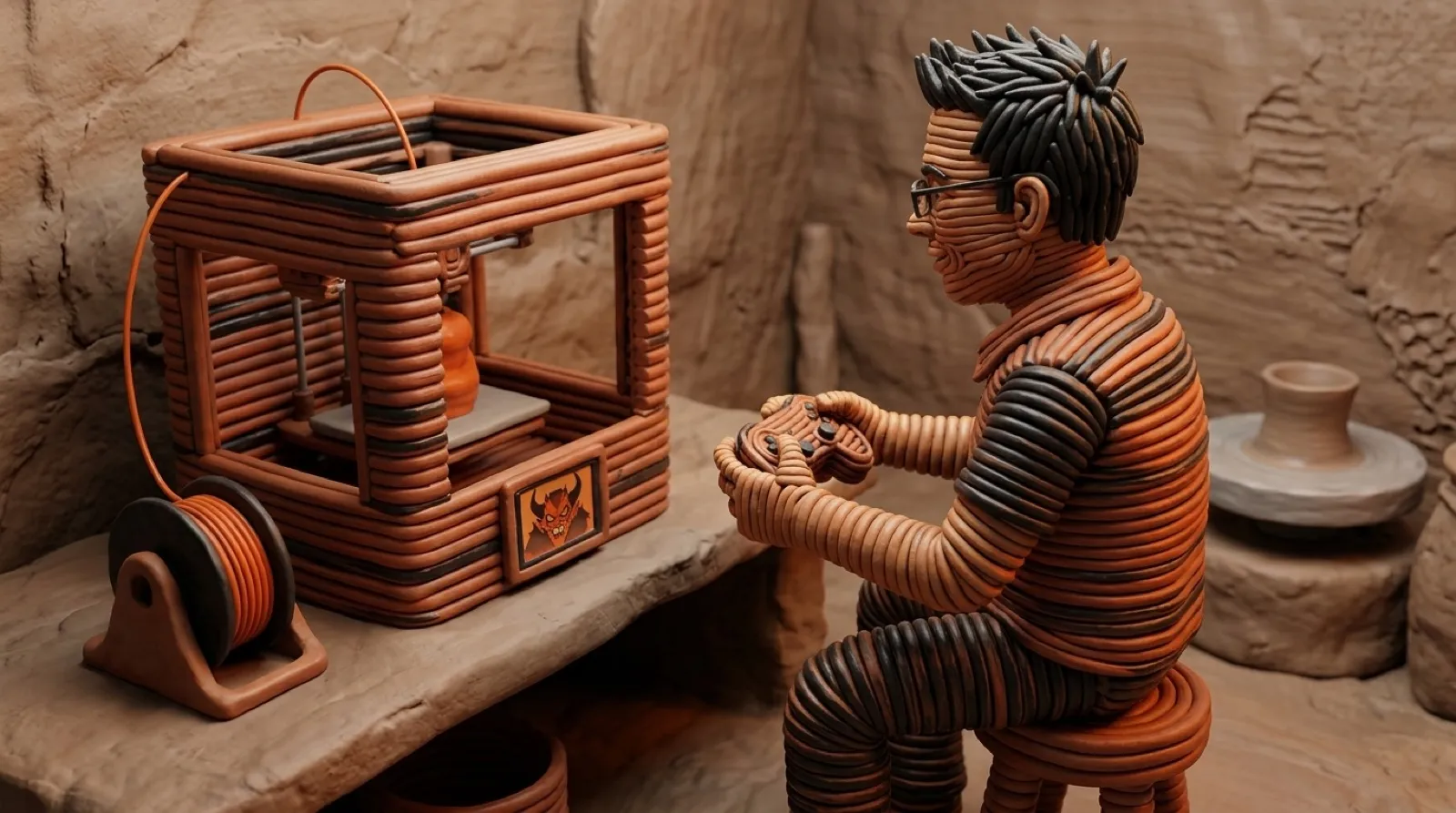
The Snapmaker U1 can print your miniature monsters, then spend its downtime shooting digital ones.
Dr. Klipper’s U1Doom project renders Doom at 320 × 200, scaling it to the printer’s framebuffer display. A local setup page connects by SSH, copies files onto the printer and guides pairing of the controller and speaker.
The README requires root access enabled on the touchscreen and a USB Bluetooth adapter. The printer’s built-in Bluetooth is disabled in its firmware. The adapter table distinguishes a tested CSR device from alternatives that lack firmware or a kernel driver on the U1.
The print check is the welcome detail. The German instructions say “Während eines Drucks bleibt DOOM gesperrt”, meaning Doom remains blocked during a print. That is the project’s stated interlock; this is not an independent test of its enforcement.
The launcher instructions describe a browser page served only on the local computer. That page does the remote work over SSH: copying the game to the printer, pairing the Bluetooth devices and starting play. The web interface belongs to setup and control; the game itself uses the printer’s framebuffer display.
The rendering target is modest in a very Doom-shaped way. The port draws at 320 × 200, then scales by 1.5 to the U1’s 480 × 320 framebuffer. Its custom SDL2 setup handles controller input. Audio goes through SDL2_mixer, ALSA and bluealsa to the last-connected speaker, with no music in the documented configuration. Getting a game to appear on an appliance turns out to involve quite a few ordinary plumbing connections.
The adapter table is unusually useful shopping guidance. The maker tested a CSR adapter with a DualSense and JBL Charge 5 connected together. Broadcom is listed as a possible alternative because the driver is present and it doesn’t need an extra firmware file, but it is explicitly untested. Realtek adapters lack the needed firmware file in this setup, and MediaTek lacks the kernel driver. A newer Bluetooth number on the package doesn’t resolve either dependency.
The build instructions also separate the host from the printer. Linux or WSL builds the program; Windows has its own launcher route after that build. The script fetches its toolchain and game dependencies with SHA-256 checks and includes Freedoom game data. The printer needs root access enabled on its touchscreen before the launcher can connect.
Leaving the game is part of the documented path: touch the display, use the page’s exit control or interrupt the launcher. Sharing a display with a working machine is more convincing when the instructions explain how to give it back.
The next useful report would test the print interlock and interface restoration on the exact firmware being used. A successful game launch proves only the fun half.