
The Super NES had 64 times the NES’s work RAM, but Mode 7 made the tracks turn
Separating the storage pools explains which resource a programmer can use, while rotating a background shows what the display circuitry contributes.
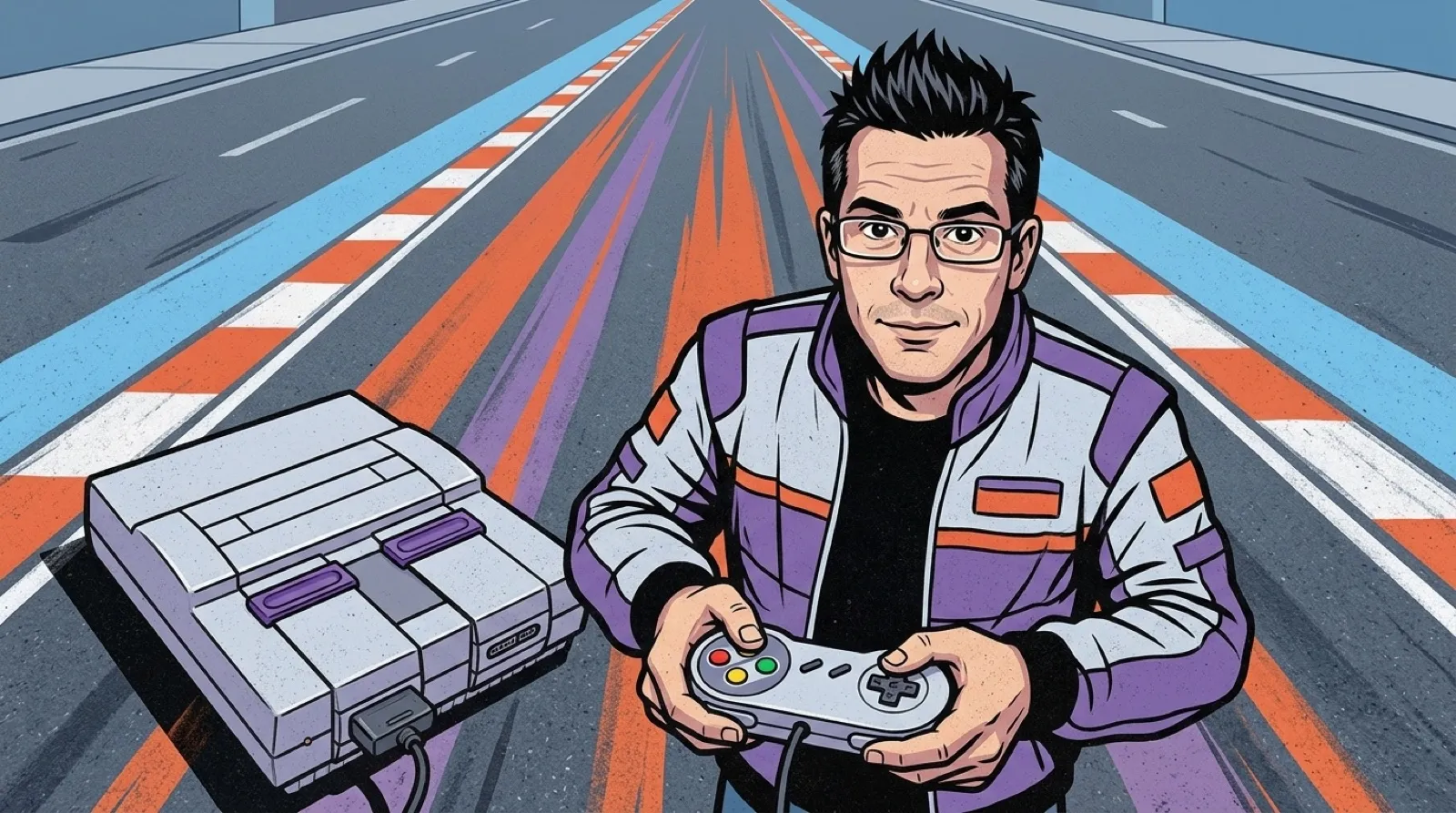
A Super NES track could swing around beneath a racer while the NES’s successor also supplied 64 times the work RAM.
Those are connected parts of a machine, but one number cannot explain the whole picture. The NES hardware memory map lists 2KB of work RAM. The Super NES hardware reference identifies 128KB separately from video and audio memory, and describes Mode 7’s rotating and scaling background layer.
| Resource | NES | Super NES |
|---|---|---|
| Work RAM | 2KB (hardware documentation) | 128KB (hardware documentation) |
| Video RAM | 2KB (hardware documentation) | 64KB (hardware documentation) |
| Work-RAM ratio | 1 | 128 ÷ 2 = 64, calculated |
The SNES reference describes the registers controlling rotation and scaling for Mode 7. The effect changes a background’s presentation; calling the whole result a reward for more RAM would skip the graphics hardware doing it.
The SNES hardware reference separates its work RAM from the memory connected to the picture processor. The 128 KB working area and 64 KB video area have different jobs and different access paths. The familiar habit of adding every memory chip into one grand number would obscure the distinction that makes the comparison useful.
The NES memory map likewise places work RAM and picture resources in separate maps. A programmer budgeting character positions or counters is answering a different question from one arranging the background the picture hardware will read. More room for either job does not automatically provide a new drawing operation.
Mode 7 transforms a flat background through rotation and scaling. That gives a developer a way to change how a track or landscape appears beneath the player. It still begins with a flat arrangement of graphics, which is why watching the background alone is so instructive when learning how the effect is assembled.
The moving road can suggest depth even though the hardware is transforming that plane. A demonstration can isolate the difference by keeping the artwork constant and varying the transformation. That makes it easier to see what the display feature contributes without crediting every improvement to the larger memory pool beside it.
For a small recreation, a checkerboard floor would reveal the behavior before elaborate track art is added. Rotation makes the direction change visible; scaling changes the apparent distance. Once that works, a road and a fixed vehicle give the experiment a recognizable purpose. The useful question then becomes how to place the camera and scenery so the flat map continues to read as a world while the player turns.
A useful follow-up would compare the same track with and without the background transformation. The extra work RAM would remain, while the effect that made the floor move would be visible on its own.