
Wii vs. Wii U: the GamePad shows Wii games while its buttons sit out
Nintendo's older software mode makes the controller bundle more important than the console's larger feature list.
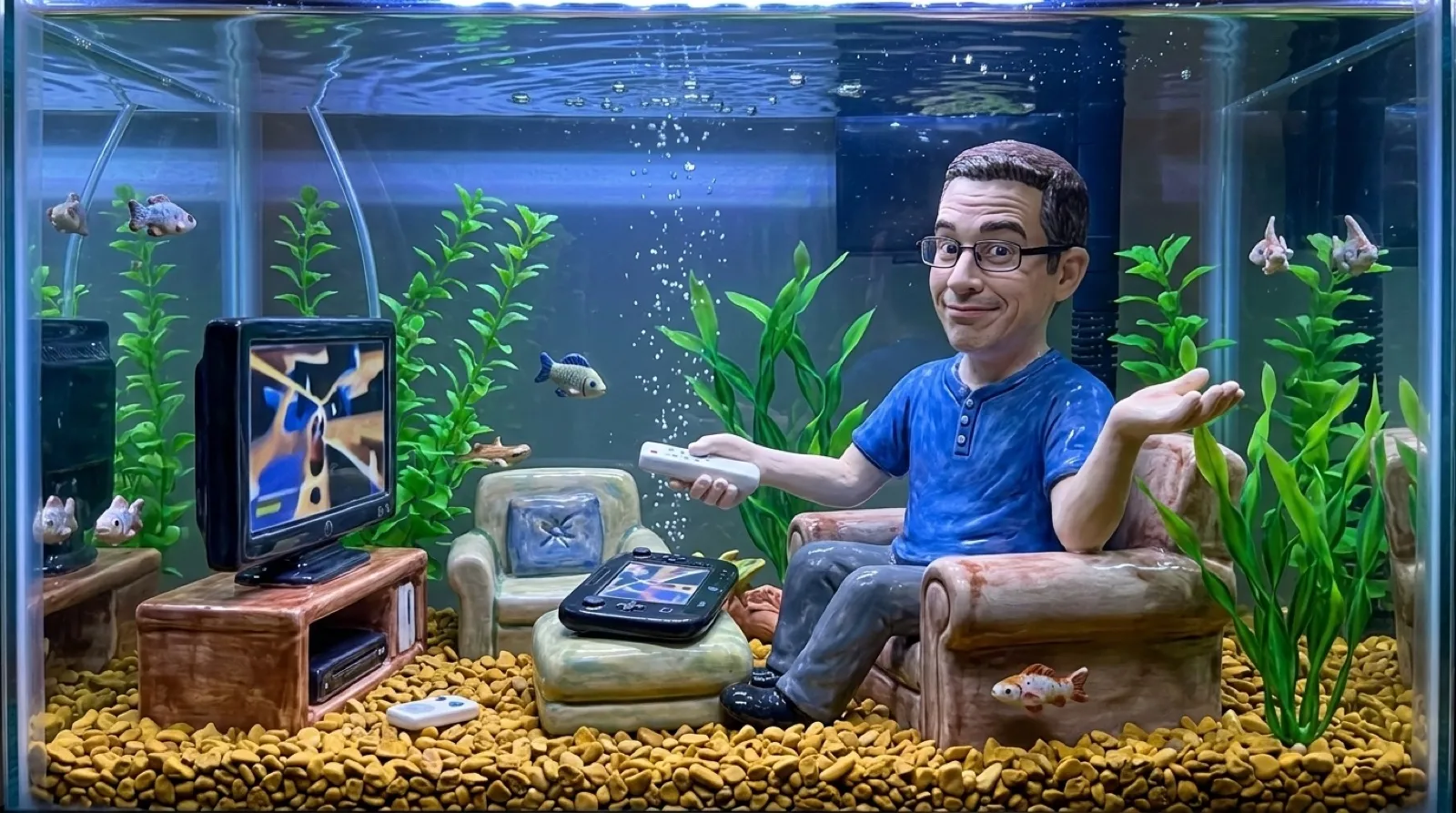
The Wii U GamePad puts a screen between your thumbs and then gives those thumbs the night off. Start a Wii game in Wii Mode and the picture can appear right there. The controls surrounding it don’t become the game’s controls. That’s an unusually literal interpretation of a controller’s display model.
Nintendo’s Wii Menu support page states that the GamePad is “used for display only” in this mode. Even using the Wii Menu needs a synchronized Wii Remote or Wii Remote Plus. You can reach the old menu and still be missing the thing that lets you select anything.
This makes a secondhand Nintendo Wii U bundle worth reading all the way to the bottom. The GamePad pictured beside the console may look like a complete answer to off-TV Wii play. Your chosen game can add a Wii Remote, a Nunchuk or another accessory to the bill. The old instruction manual gets a vote in the upgrade (still bossy).
Nintendo’s backward-compatibility page separates those promises. It describes showing Wii software on the GamePad and retaining Wii accessories, then explicitly qualifies which equipment a game may need. Moving the picture to the GamePad doesn’t rewrite the Wii software’s expectations about the controller you already needed in front of the television.
| Purchase question | Wii | Wii U in Wii Mode |
|---|---|---|
| Wii game discs | Native library | Nearly all supported |
| Wii U game discs | Unsupported | Play outside Wii Mode |
| Off-TV picture on a Wii U GamePad | Unavailable | Available |
| GamePad buttons controlling Wii games | Unavailable | Unsupported |
| Using the Wii Menu | Wii controls | Synchronized Wii Remote or Wii Remote Plus |
Nintendo dates the GamePad display option to system update 4.0.0 U on its support page. That’s useful when an old demonstration or listing seems to contradict a newer one: a machine’s software version can affect whether the picture option exists at all. The support page supplies a version number; a photograph of the console won’t tell you which updates its previous owner actually installed before putting it up for sale.
The Nintendo Wii remains the straightforward choice for its own library when you already have a working setup. Wii U adds its own games and the display option, but replacing one console can leave the accessory drawer substantially intact. Calling it an upgrade says nothing about whether you can retire the old remotes.
Nintendo’s UK page also preserves historical references to downloading Wii software and a Wii Shop Channel closure notice. An old feature page can contain a valid hardware explanation beside a retired purchasing route. This comparison concerns existing game discs and controls; that old shopping text should stay in the archive where it belongs.
For future attempts to preserve console libraries, Wii Mode leaves a useful problem to solve: the display can survive while the original input hardware remains compulsory. A replacement screen alone won’t keep every game playable as working remotes become harder to find. The decisive part of a seller’s demo may be just outside the photograph.
The remote gets the last word.