
Free Windows software still offers extra apps, and protection has two separate switches
CCleaner documents contextual installation offers, while Microsoft's download blocking depends on which browser handles the file.
A free utility can still arrive with a sales pitch for another application. The download button ordered company before you had a chance to choose the guest list.
CCleaner’s own cookie-management documentation says Free users may see “contextual offers”, including installations of Chrome or Avast antivirus. It also explains that a cookie records offer frequency, and removing that cookie can make offers appear more often. A cleaning utility protecting the cookie that controls its extra-software pitch is a tidy circle.
That documentation establishes that offers remain part of the business model. It doesn’t establish which offer a particular visitor sees today, which box is selected or whether an installer on your machine contains one. Those details can change by package and distribution route. The useful habit survives all of them: read the screen that asks to install something you didn’t come for.
An extra application can be legitimate and still unwanted. Microsoft’s PUA guide describes software that can slow the machine, show unexpected advertising or install other software. Its protection gives Windows a way to intervene without requiring every annoying installer to qualify as a virus first.
Windows Security puts reputation-based protection under App & browser control. In its settings, potentially unwanted app blocking exposes the app and download choices. Microsoft’s guidance recommends enabling both, subject to the policies that manage a work device.
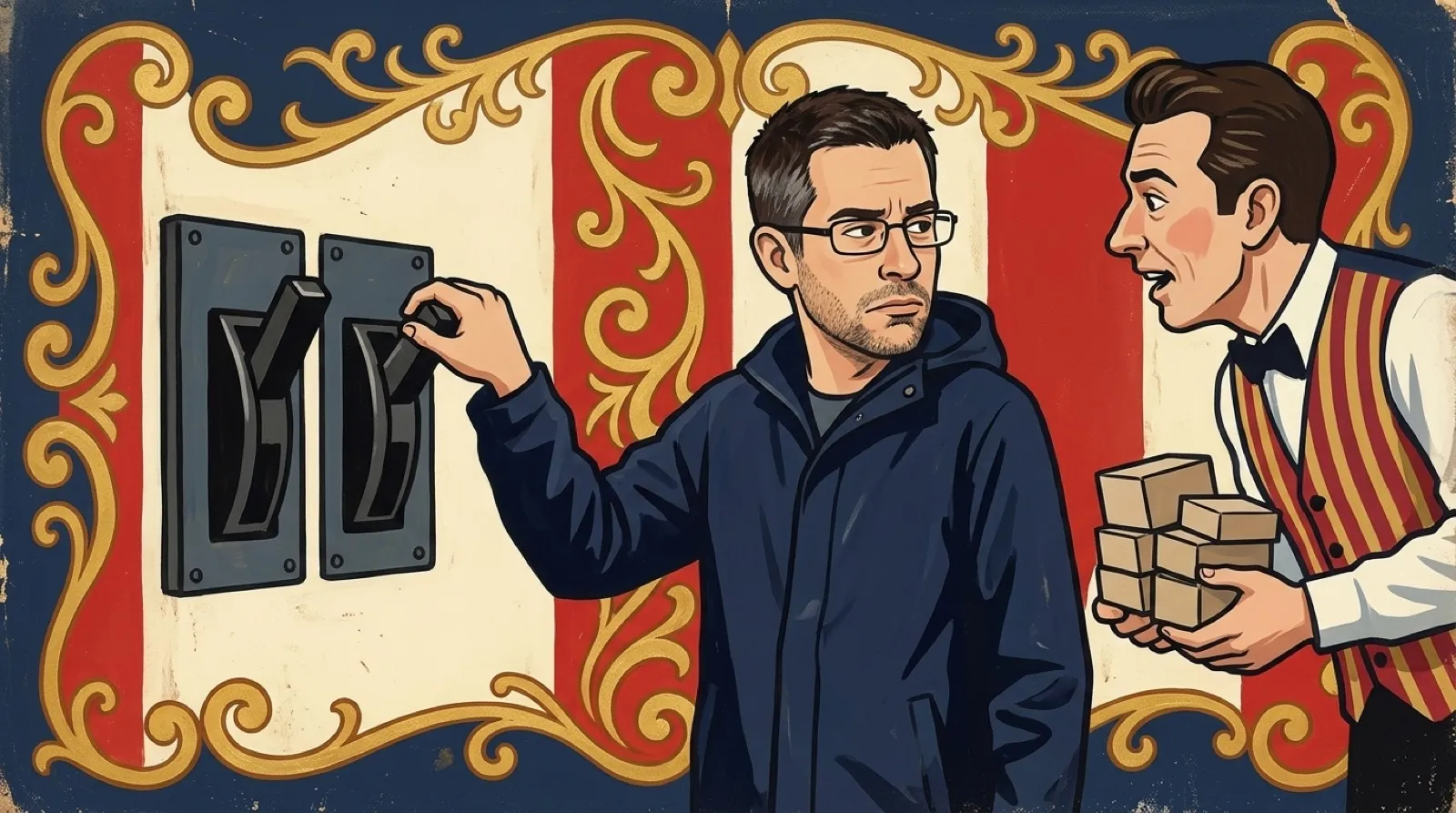
The browser detail is easy to miss. Block downloads works with Edge. Block apps can still detect unwanted software downloaded through another browser. Someone using a different browser should therefore avoid treating the download toggle as a universal checkpoint across every file transfer. The setting names are “Block apps” and “Block downloads.” Microsoft’s settings would be easier to love if their names arrived with fewer footnotes (one installer, please).
A Windows Security notification also deserves a look. Microsoft’s guide says the detection stays blocked until you choose an action, and tells users to select Start actions to complete the decision. A notification that appeared and vanished isn’t a reliable record that a file was removed.
The longer-term issue is whether installer consent can become easier to understand than the marketing around it. A clear screen would name each additional program and let the user choose it deliberately. Until every download route does that, the last few installation screens remain part of buying the free software with your attention.
A clean desktop can still have an unfinished installer sitting on it, waiting for the next absent-minded click.
Next deserves a second look.