
Early web pages had an HTML tag that switched off every tag after it
The archived tag list treated the rest of a document as literal text, making its efficiency shortcut a one-way trip.
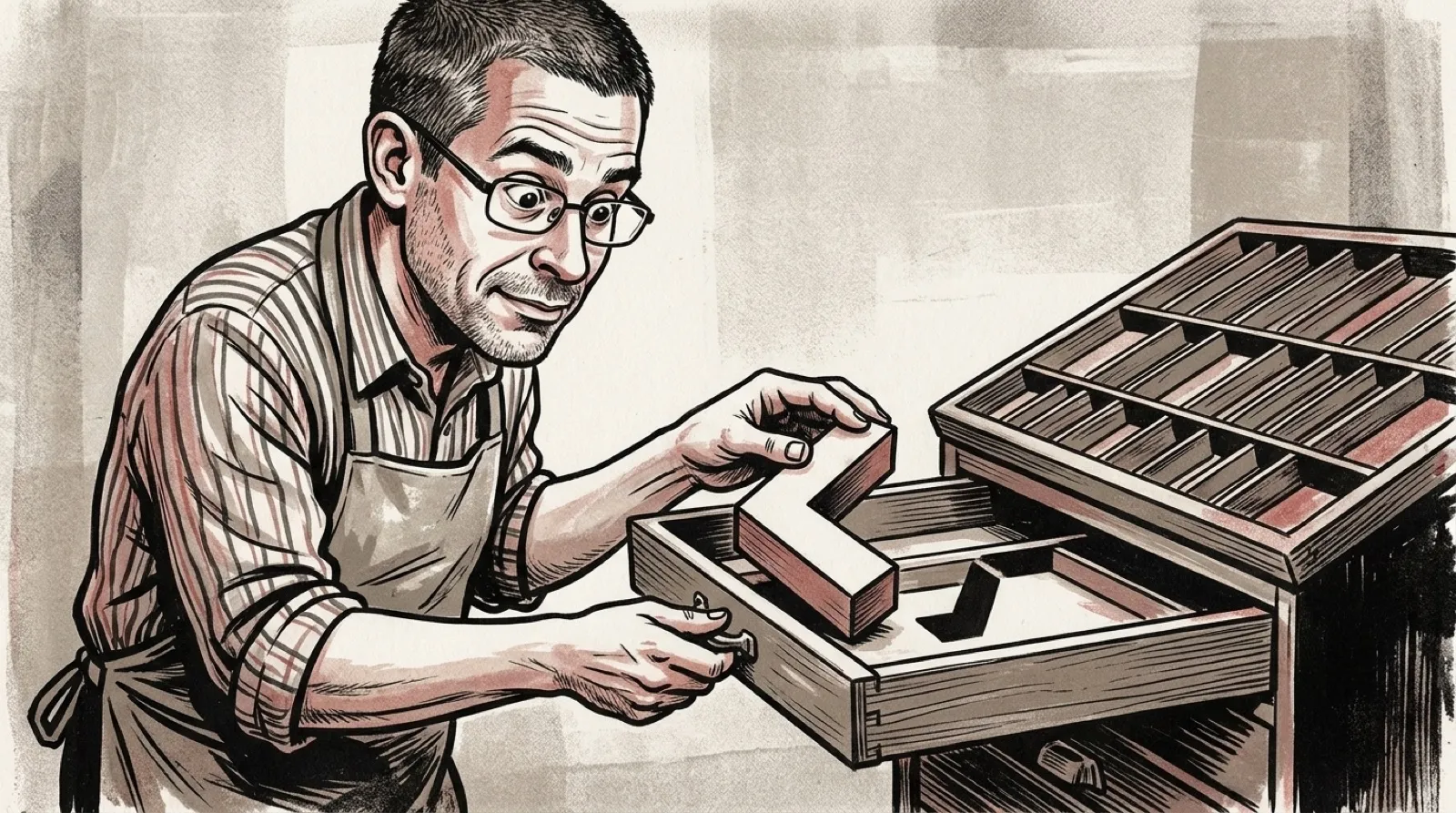
One early HTML tag could tell the browser to stop reading HTML for the rest of the file. PLAINTEXT turned everything after it into literal text, and the archived description says there was no closing tag to bring the parser back.
The W3C history archive’s tag list explains the purpose directly: the remaining file could be read without parsing. The document calls its presence an optimization. A little markup saves work by telling the browser that no more markup needs attention. Efficient. Slightly antisocial.
Fixed-width characters and significant line breaks were part of the intended display. The text could preserve an existing arrangement rather than being interpreted as ordinary prose and additional tags. The browser reached the switch, changed its reading rules and stayed there until the file ended.
The same archived page describes bounded example sections, including XMP and LISTING. Those have closing delimiters, with their own restrictions on what the enclosed text can contain. PLAINTEXT removes the return journey entirely. That difference matters more than whether two examples happen to look similar on screen.
For someone reading old web source, a closing-looking sequence after PLAINTEXT is therefore part of the material being shown under that documented behavior. Recognizing angle brackets no longer means treating them as instructions. The instruction manual has told the reader to stop following instructions, which is quite a career move for an instruction manual.
The historical page establishes the old design; it is not a recommendation to author current websites with it. A present-day developer would need current HTML documentation and actual target-browser behavior before making any compatibility decision. An archive deserves to be read in its own tense.
The useful general problem survives: a system has to distinguish data from the syntax that surrounds it. Showing a literal example becomes awkward when the example contains the same characters used to control the display. Some designs escape those characters, some use bounded literal sections, and this one claimed the remainder of the file.
That has a practical consequence for recovery and debugging. A page that suddenly begins displaying apparent tags may have crossed a parser boundary earlier in the document. Staring only at the visibly wrong line can miss the instruction that changed how later bytes are interpreted. The crime scene starts before the victim notices.
Someone preserving an early page could keep both its original source and a faithful rendered capture, then describe where the parser mode changes. That records behavior which a plain screenshot cannot explain by itself. The same appearance might otherwise tempt a future maintainer to repair what was intentional.
The design also makes an interesting trade explicit: simpler reading after the switch in exchange for giving up structured content later. Once the browser has been told to stop looking for closing instructions, a closing instruction cannot rescue it. The open part of this story is the file itself, still arriving as plain text.
Closing time never came.