
Floorplan follows an app’s checkout screen into the code behind it
Hayden Smith splits deterministic scanning from agent-written explanations, with an offline diagram and a separate account-powered question system.
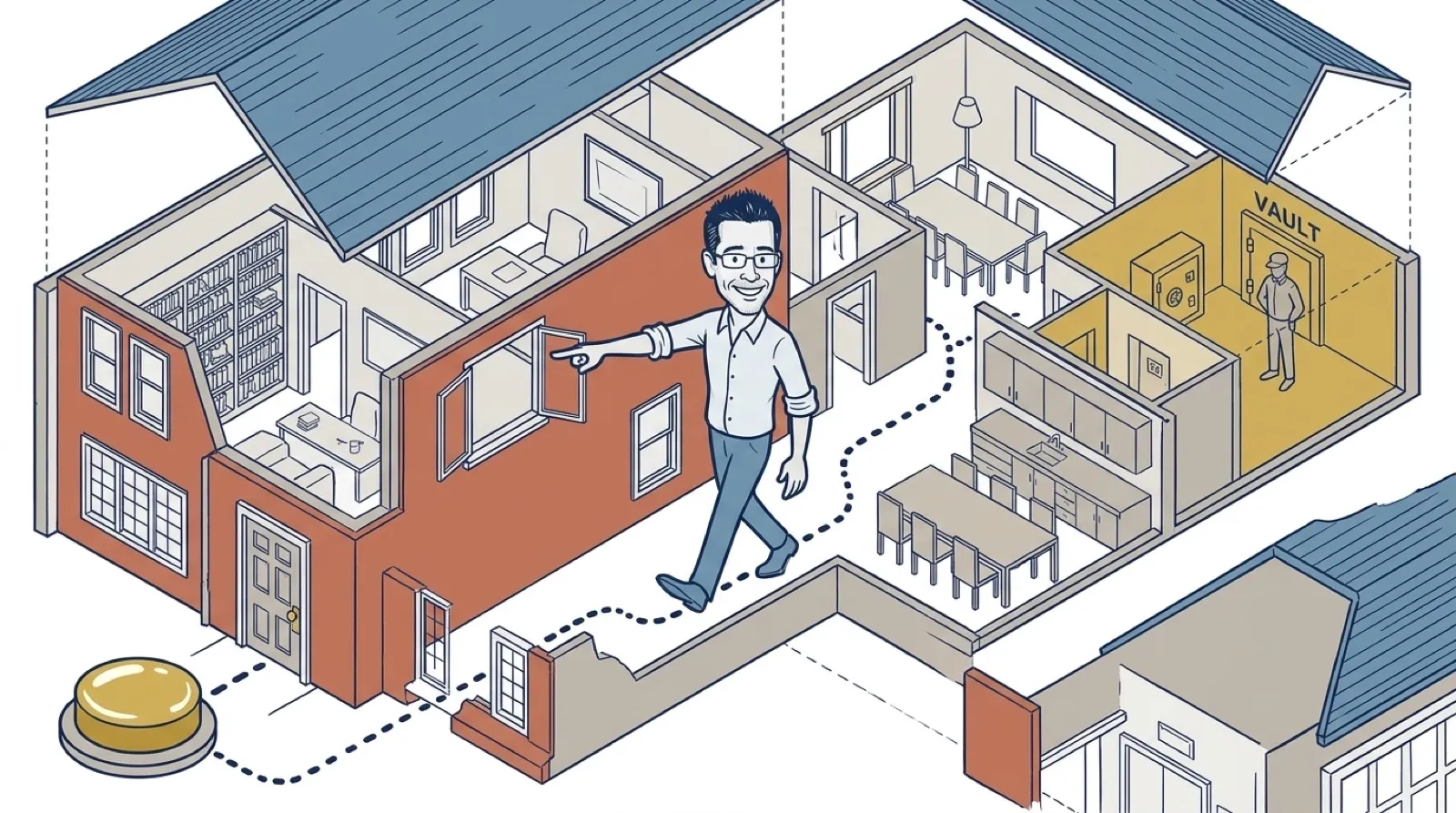
The checkout button works, and nobody can explain which server charges the card. Floorplan’s README starts with that uncomfortable gap between having an app and understanding it.
The MIT-licensed project combines Node scripts that trace files and connections with Claude or Codex descriptions. You can start from a familiar screen, then follow its requests into the server and outside services. Recent-work indicators identify parts the agent changed.
Its health checks look for problems including exposed keys, open database rules and fakeable payment webhooks. The project’s own description is admirably short: “A check, not an audit.” A ready-made fix prompt is a lead to investigate; applying it without reading the affected path would recreate the problem the map is meant to solve.
Hayden Smith’s project separates scanning from explanation. Its pipeline documentation says the scripts find repositories and inspect tracked files while respecting the project’s ignore rules. They extract imports, exported definitions, server routes and outgoing web requests. Claude or Codex then reads the summaries and names the meaningful parts of the app. A list of files becomes useful when someone can explain which ones are involved in taking a payment.
Connecting those parts is more involved than drawing an arrow between two boxes. A server can mount a router under a prefix, while the frontend constructs its request address from a setting or a helper. Floorplan tries to resolve both sides before matching them across repositories. That addresses a familiar diagram problem: two boxes can look reassuringly connected while concealing the exact handoff where a request goes missing.
The documentation describes the limit as “pattern matching, not a compiler.” Unusual dynamic connections can escape the scan. The agent can add explicit connections for things such as background jobs and webhooks, which is useful, but also means the finished map contains interpretation. An arrow deserves the same follow-through as a suspicious line in a spreadsheet: the underlying files still have to agree.
Play the video on YouTubeThe privacy documentation distinguishes the offline diagram from its AI features. Scanning and rendering happen on the computer; naming files and answering questions use the owner’s Claude or Codex session and the code those tools read. The local server listens on 127.0.0.1. “Local” describes where several components run, so it should not be read as a promise that every question avoids the model provider.
That distinction also affects the bill. The map can be opened offline with its layout engine and fonts bundled, while agent descriptions and questions consume the existing account’s usage. A free plugin can still ask a paid assistant to do work. The useful comparison is how much understanding a checkout trace buys, particularly when the alternative is repeatedly asking an agent to rediscover the same files.
The project-file guide identifies editable architecture and description files, including a way to add a missed connection or change an unhelpful name. Updates preserve those edits. That gives the owner a way to correct the map rather than accepting the first explanation as gospel. A payment provider called “miscellaneous service” should be fixable without rebuilding the app around the diagram.
The interesting test comes after the next change: can the person maintaining the app explain why the highlighted files had to move together?