
Retrozip-drivefloppy-disksstorage
A Zip 100 Held Roughly 70 Floppies, but Couldn’t Read a Single One
IBM’s installation notes reveal the extra baggage behind a pocket-size upgrade: interface choices, drivers and a destination computer that needed the right reader.
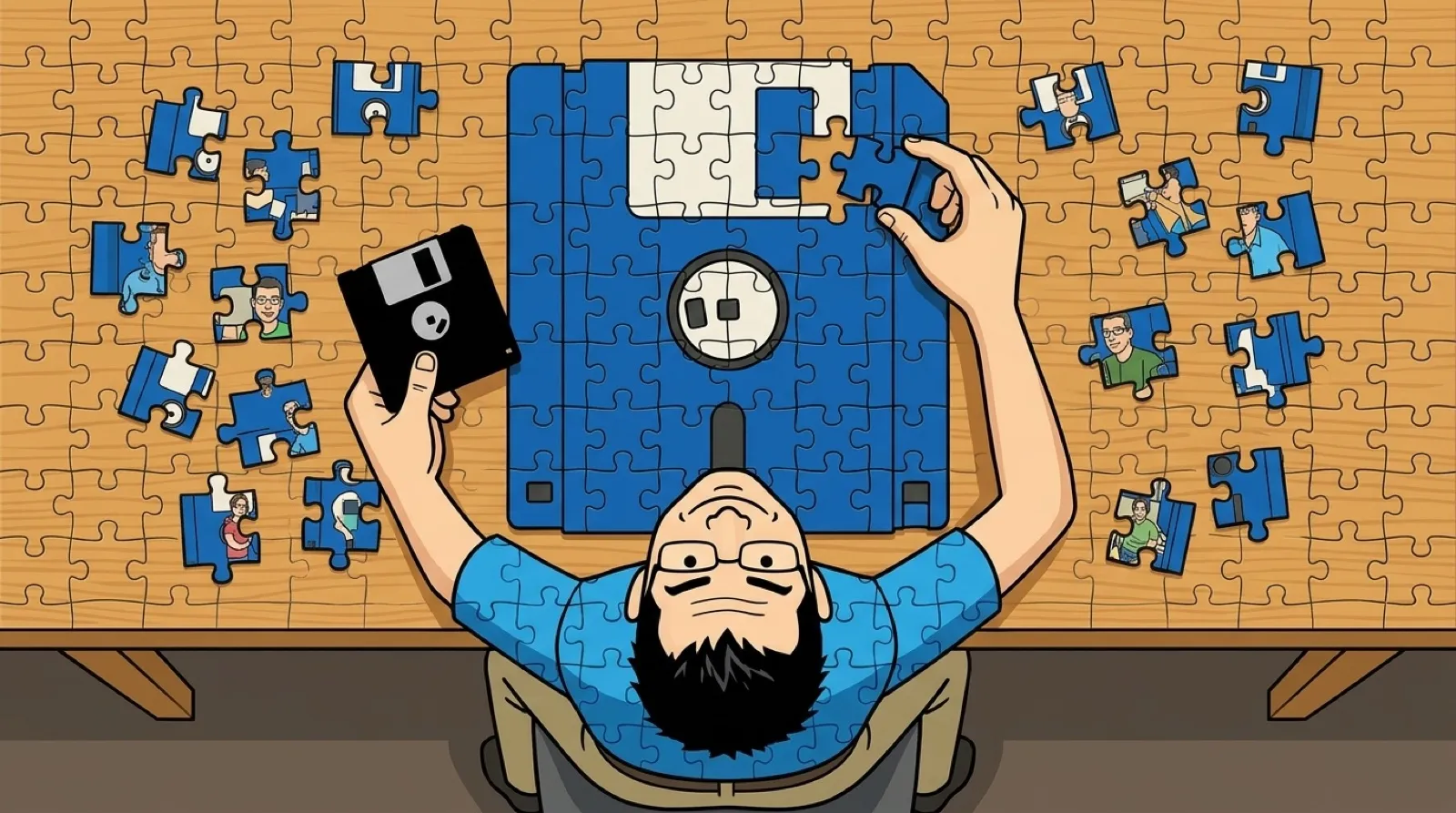
A drawer full of floppies could shrink to one Zip cartridge. The ordinary floppy still needed its own drive, which was a fairly important detail before somebody tried to feed it to the new one. The upgrade preserved the familiar habit of handing someone a disk while changing what had to be waiting at the other end.
IBM’s internal Zip manual says the drive “does not work with 1.44 MB” diskettes. Its warning covers 720 KB floppies, too, and says inserting either can damage the drive. A slot in the front of a beige computer was never a universal invitation.
Jason Bacon’s FreeBSD Zip guide describes Iomega’s removable magnetic disks in 100 MB and 250 MB versions. It distinguishes them from the 120 MB super-floppy, which could also handle ordinary 1.44 MB disks. That competing compatibility idea makes the Zip distinction easier to miss: buying a bigger removable drive did not automatically buy a bridge back to the disks already in your drawer.
Using the marketed capacity labels, 100 divided by 1.44 is about 69.4. Roughly seventy floppies is a useful picture of the change, rather than a promise about exactly how many formatted bytes fit. A file larger than one floppy no longer had to be split simply to get it out the door.
| Removable medium | Zip 100 | High-density 3.5-inch floppy |
|---|---|---|
| Marketed capacity | 100 MB | 1.44 MB |
| Required reader | Zip-compatible drive | Floppy drive |
| Works in IBM’s Zip drive | Yes | No; manual warns of damage |
The reader itself introduced another decision. Bacon describes SCSI, IDE and parallel-port Zip drives. The parallel model could travel with the disk, using a port common on PCs, but the connection constrained its speed. His guide attributes the SCSI and IDE versions’ similar performance chiefly to the drive’s mechanics. The plug mattered, but the fastest-sounding bus could not make the mechanism move faster.
An archived IBM Aptiva support document gets wonderfully specific about the computer side. Its C6Y used an external parallel-port model, while the C6Z used an internal IDE drive. Driver software came preinstalled on the internal model; the external model required the user to install it. Even the same 100 MB promise came with different amounts of setup.
IBM’s instructions say SETUP95.EXE flashed the screen three times before assigning the drive letter. That is the sort of small historical detail the capacity chart loses. Once configured, the drive looked like another place to copy files. Getting there still involved hardware, software and somebody willing to read the instructions while everyone else waited for the presentation.
A collection of surviving cartridges leaves two separate preservation jobs: keep the files and keep a way to read them. Extra capacity can make a removable format attractive long before it becomes common at every desk. For a Zip collection today, the unresolved question is which functioning drive, cable and computer will complete that chain when the current reader quits.