
Someone Was Here photographs Mac visitors, then matches the owner locally to quiet alerts
The free visitor history and optional phone notifications have different data paths, and the camera light stays on.
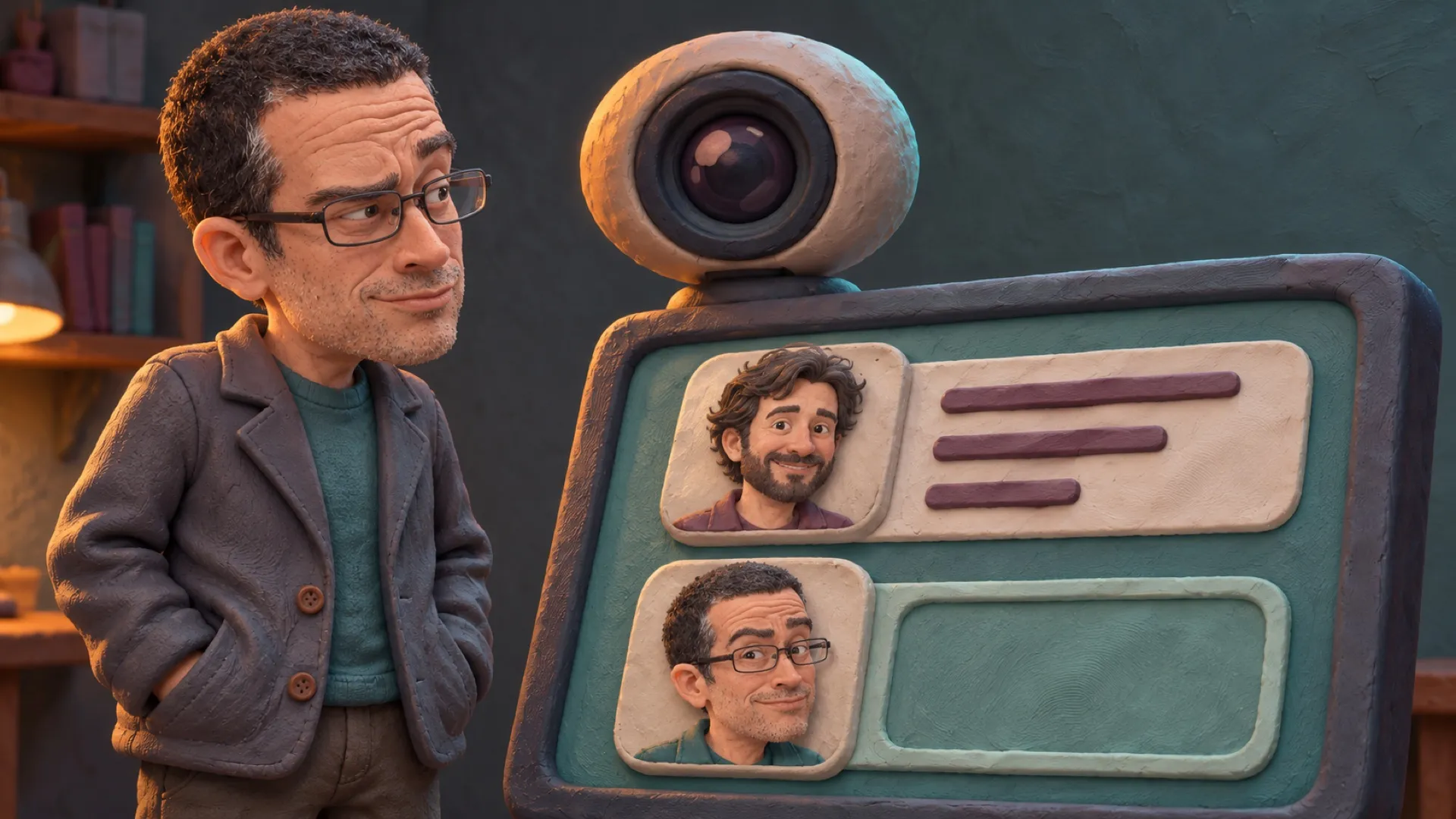
Your Mac can keep a guest book. This one asks the camera to do the writing.
Someone Was Here takes a photo when somebody uses a Mac after idle time, tries its lock screen or unlocks it, according to the maker’s site. The visit includes a time and the activity that started it. The promise is a record of a visit, rather than a new lock on the computer.
The app learns the owner’s face during setup and compares later photos locally. The useful part is reducing alerts about the person who actually belongs at the keyboard. Returning to your own desk should not require a daily introduction (hello, again).
The maker offers the on-Mac history free on macOS 14 or later. Phone Alerts costs $4.99 once, while the companion iPhone app is free. The site promises “no subscription” for the phone upgrade; the local history remains available without that purchase.
Its privacy policy separates owner recognition from visitor pictures. Setup photos produce numerical face descriptions kept on the Mac. The maker says it doesn’t store corresponding face descriptions for other visitors, only their photo and a match score. It also explicitly says the system doesn’t use Face ID, Touch ID or depth data.
That distinction stops the word recognition from doing too much work. A webcam comparison can help decide whether to send a notice. It doesn’t turn an ordinary photo into independently established identity, or prove who typed a particular command. A visitor log is useful evidence with an ordinary camera’s limits.
The camera light comes on for each photo. The support page says it stays on for two or three seconds, then goes off. The maker also tells owners to inform people sharing their space. Calling this an invisible trap would misdescribe both the hardware and the intended use.
Recognition can get the owner wrong. Support documents a That Was Me action, additional reference photos in normal seating and lighting, and a test option. Those are practical ways to reduce nuisance notices without pretending the comparison can never make a mistake.
The privacy controls include a retention period and deletion options, so the guest book needn’t grow forever. Optional phone alerts have a test button; support says failed offline deliveries wait for reconnection. Instant notification still needs a route to the phone, however enthusiastic the sales copy.
A useful first trial would check the owner’s recognition and the chosen alert path on their own Mac. A useful match rate would need to account for the actual room, lighting and owner, rather than relying on a feature-list promise.
The guest book has a lens.