
Windows 95’s floppy detector got opposite answers from two kinds of drive
Raymond Chen describes how a clever hardware probe would have made a new game seem broken on first use, then mysteriously recover.
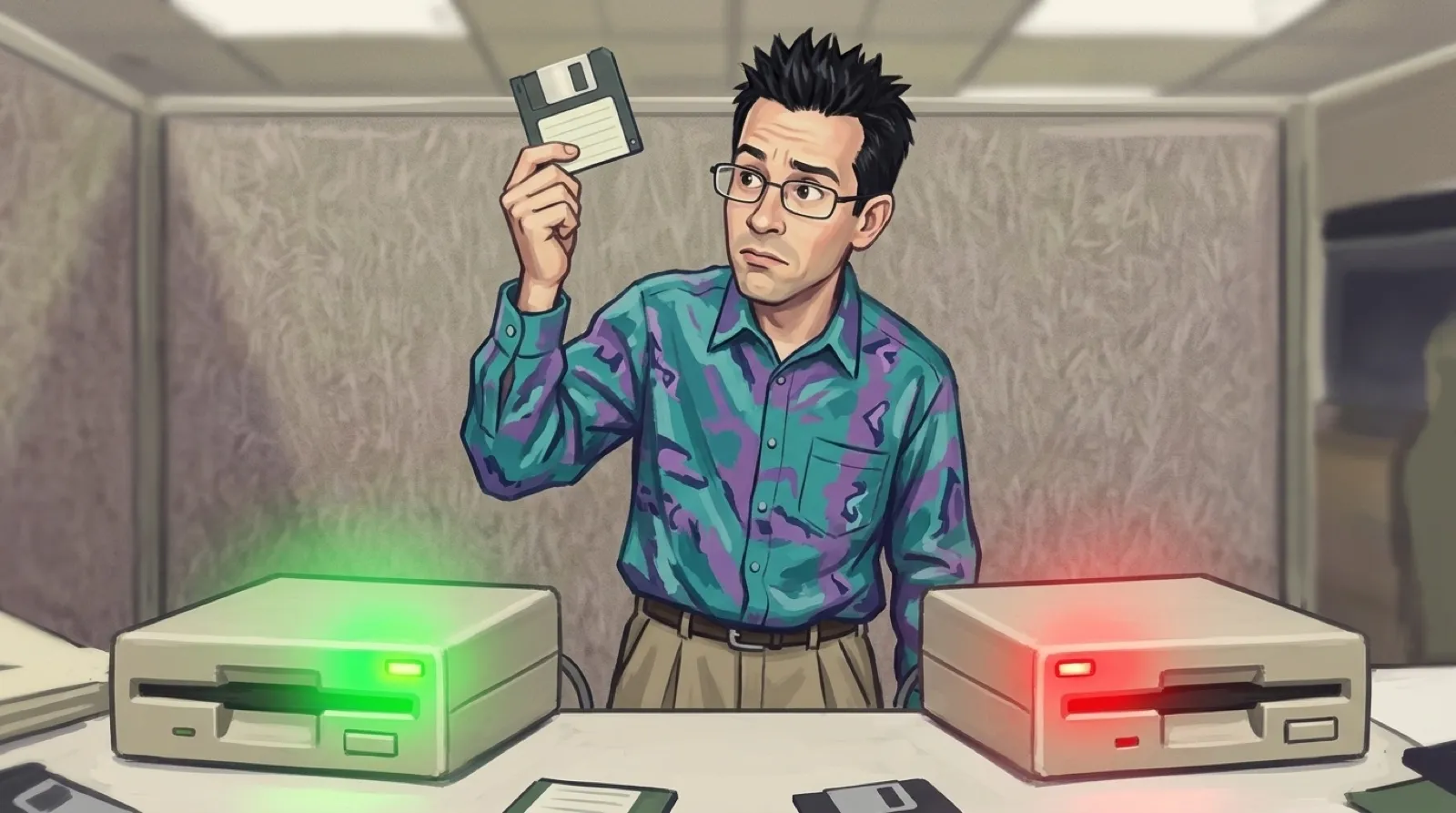
A one could mean a disk was in the drive. On another drive, the same one meant the slot was empty. Both drives could answer consistently and still leave Windows guessing.
In his follow-up about Windows 95’s abandoned insertion detector, Raymond Chen describes a colleague’s command sequence that could sense a floppy without spinning the drive. The missing piece was identifying which drive style the machine had. The two conventions reversed the answer.
Training it after a real disk operation would leave a miserable first impression. Chen imagines a father buying a computer and a game, inserting the game disk as instructed, then seeing nothing. Later, after an unrelated floppy operation lets Windows learn the drive’s behavior, insertion suddenly works. The imagined game has become intermittent through absolutely no effort of its own.
Chen’s explanation is blunt: “Human beings value predictability.” Replacement drives made calibration worse because classic floppy hardware was not Plug and Play. Windows could retain the old interpretation after a repair. He also says the probe used one behavior outside the specification, and its limited benefit did not justify the work.
Floppies had been making software guess about physical events for years. In a later account of MS-DOS 2.0, Chen describes a read cache that spared the system repeated slow disk accesses. A user could pull a floppy out whenever they liked, and the original IBM PC hardware did not report the open drive door. Chen says IBM omitted that provision to save a NAND gate.
So the team timed the human. Project lead Mark Zbikowski held a stopwatch while Aaron Reynolds and Chris Peters swapped disks as quickly as possible. They couldn’t get below two seconds. DOS used that interval to decide when previously read data could still be trusted. The computer’s confidence depended on how quickly somebody could operate a latch.
Chen’s clarification identifies the tested hardware as full-height 5.25-inch drives. They lacked a disk-change signal and a media-sense signal. Cache validity applied to the whole drive: after two seconds of inactivity, the entire volume’s cache was invalidated. The timeout was a workaround for an event the machine couldn’t observe.
These are separate decisions in different generations of software. The DOS timer preserved a useful cache within a measured assumption. The Windows 95 detector would have introduced behavior that depended on a hidden lesson Windows might never learn, or might learn about hardware that was subsequently replaced. Explaining a brief wait is one thing. Explaining why the same insertion works tonight after failing this morning requires the customer to understand the detector’s training history.
A fresh installation and a replacement device belong on the test list for anything that learns hardware behavior. A repeat-use test starts with the knowledge already acquired; a new owner starts without it. The repair case asks whether that knowledge still describes the thing plugged in. Both are ordinary use, and neither is covered by demonstrating the clever probe once.
Chen leaves one historical connection open: he says he does not know whether the modern two-second cache-flush policy descends from that office disk-swapping competition.