
YUMO’s brass-wire cube turns gravity into a game controller
The exposed ESP32-S3 build pairs a round display with motion sensing, while its published licenses restrict commercial reuse.
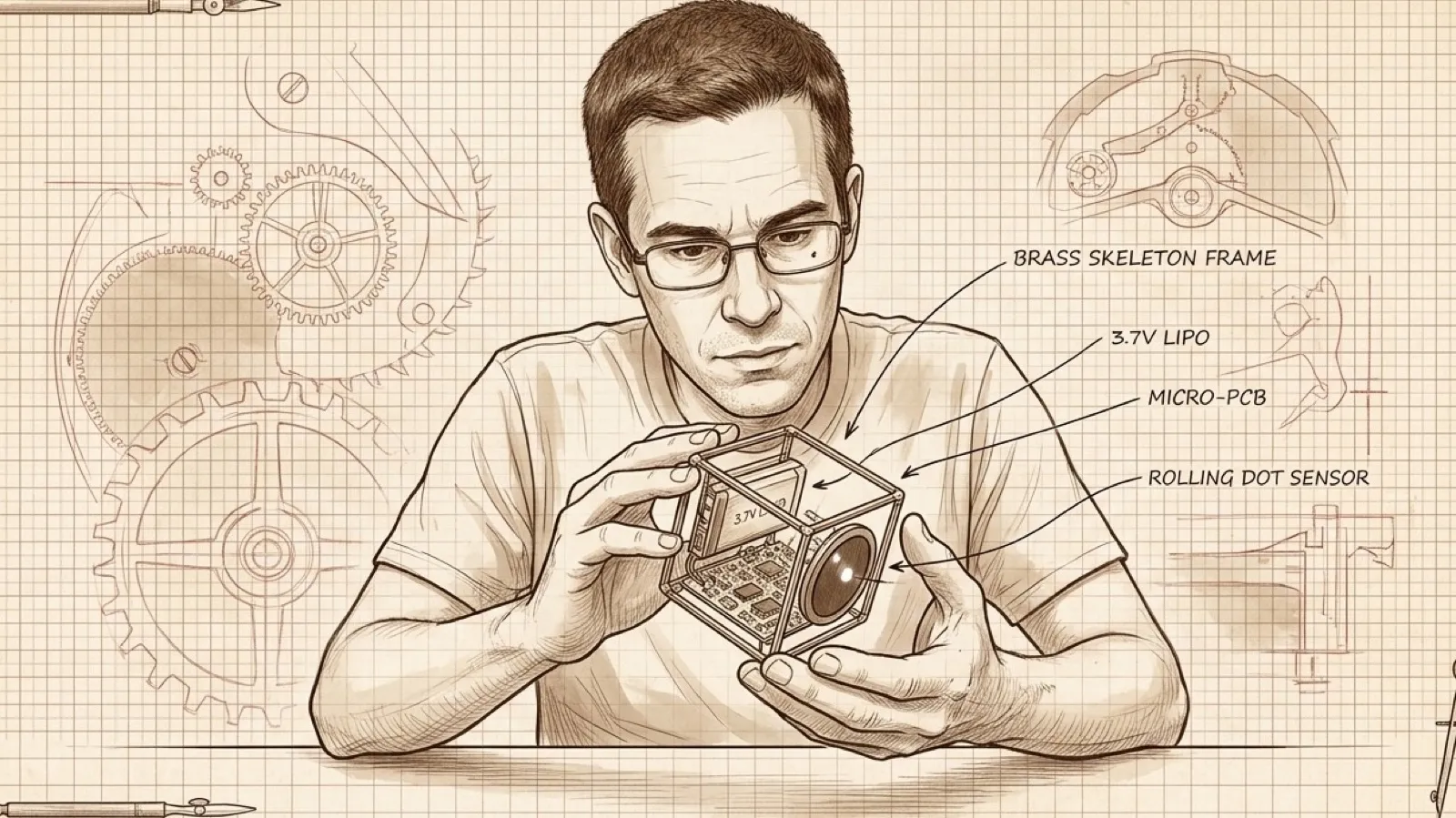
YUMO’s cube wears its skeleton on the outside. Brass rods make the frame, a circular screen sits inside it, and tilting the whole contraption rolls a virtual ball. Getting your bearings is part of the interface: the hand controls the game by moving the frame around the electronics inside it.
The maker’s project page specifies 1.5 mm brass rods and a 412-by-412-pixel capacitive touchscreen. There is no opaque box to make the circuit look like it arrived fully formed from a product brochure. The solder joints have to participate in the design (no hiding today).
A Waveshare ESP32-S3 board handles the display and a six-axis motion sensor supplies orientation. The project repository names the QMI8658 accelerometer and gyroscope. Its firmware uses gravity readings to change the displayed content when the cube is placed on different faces. The same sensor feeds the ball game, so tipping the frame has a visible consequence beyond watching the screen turn.
The maker describes the game as using “live IMU readings.” That ties the trick to a physical input a reader can recognize: the hand tilts the cube, the ball rolls. Setting the cube down on a different face changes its presentation without requiring the reader to find another button on the touchscreen.
Play the video on YouTubeThe build video sits beside a feature list with a clock, weather, a photo gallery and LED animations. The clock uses network time and location lookup; weather comes through OpenWeatherMap. Photos come from a microSD card, with the repository specifying a four-second automatic cycle. Some functions therefore live on the device while others need outside services. The brass is local; the forecast still has to call home.
The published hardware list also includes a physical power button, a MOSFET power latch and battery-voltage measurement. The project page lists a 3.7-volt, 1,200 mAh lithium-polymer battery. Capacity alone cannot establish runtime, and the maker’s material read here does not provide a battery-life result to turn into a shopping claim.
The repository does describe an automatic sleep routine: after two and a half minutes it blanks the display and LEDs, then movement at or above 0.3g wakes it. That is a concrete behavior someone adapting the project can inspect. A bright desk toy that knows when to stop demanding attention has already cleared one hurdle some consumer gadgets apparently consider optional.
The licensing deserves particular attention because the project page calls the cube open-source. The repository’s actual terms are narrower: code under PolyForm Noncommercial 1.0.0 and the brass body and box under Creative Commons Attribution-NonCommercial-ShareAlike 4.0. Commercial use, manufacturing and sales require the author’s explicit permission. That small paragraph can change a maker’s plans more than the display resolution.
A personal adaptation can start from the published design within those terms, with the license still governing what happens to a derivative. The round screen, motion input and exposed frame provide several things to change without inventing an entire new gadget category. Whether the published build has the durability and battery life for daily handling is still an open practical question; a feature list cannot solder that answer into place.
The useful direction for desk gadgets is physical interaction that earns its space. Here, picking up the cube already changes what it does. Adding another mode would need to justify itself against that simple gesture, rather than merely making the list of features longer.
Six faces. One round screen.