
Hacks & Buildsesp32airprintprintersopen-sourcecanon
Xuan-Son Nguyen's ESP32-S3 Firmware Gives an Old USB-Only Canon Printer AirPrint and AirScan, Once You Bridge a 5V Pad So the Printer Sees the Cable
A cheap ESP32-S3 board plugs into a Canon PIXMA's USB port, joins Wi-Fi, and lets phones and Macs print and scan with no drivers, by sending the printer the same bytes Gutenprint would.
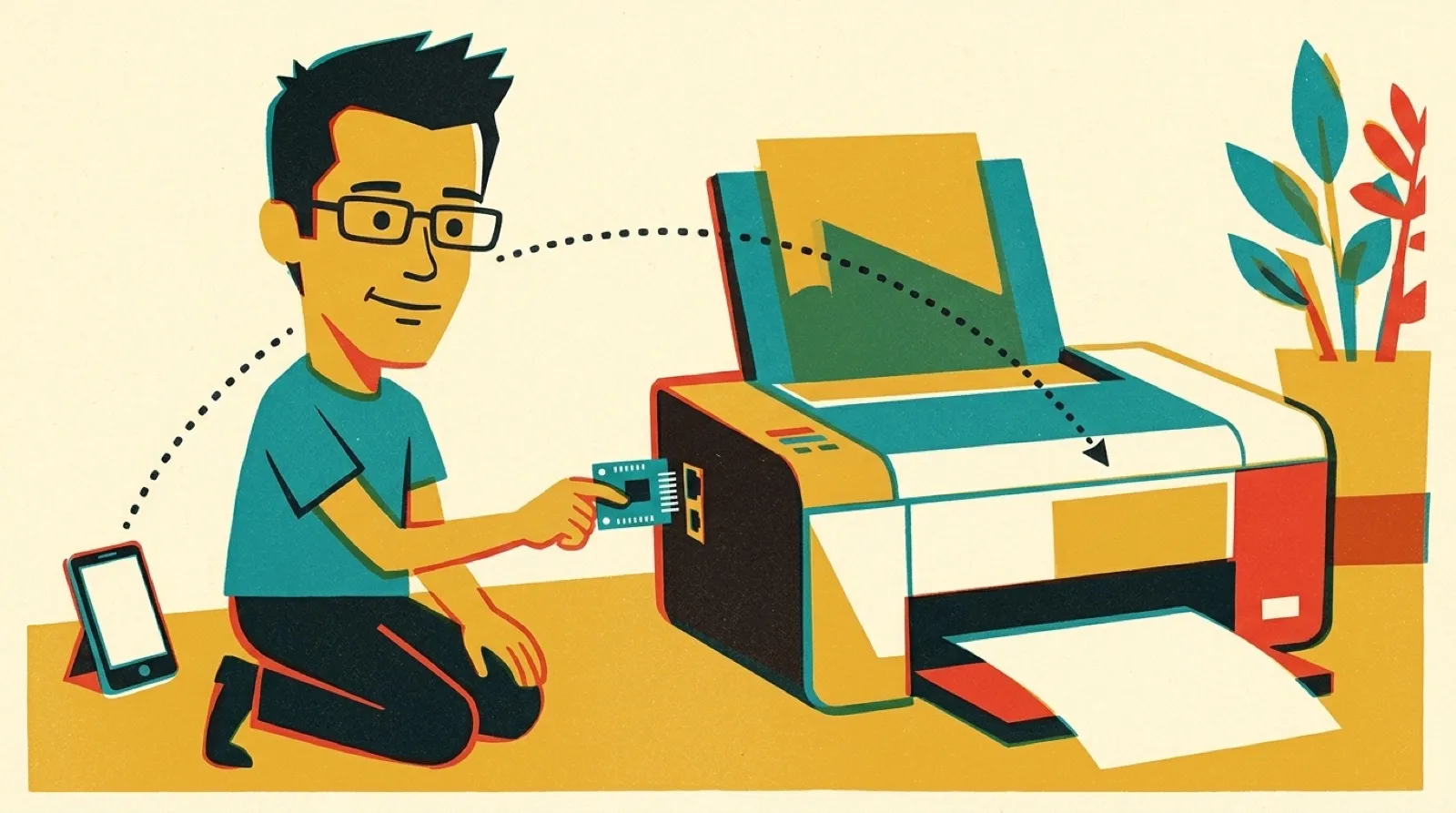
The printer in question is a Canon MG2550S, the kind of all-in-one that outlives three laptops and never learns Wi-Fi. Nguyen, whose GitHub profile lists Hugging Face, put an ESP32-S3 board with two USB-C ports between it and the network. One port goes to the printer. The board joins your Wi-Fi, announces itself as a printer and a scanner, and the phone in your hand takes it from there.
The board speaks the phone’s language on one side and the printer’s on the other. Pages arrive as AirPrint raster; the firmware re-encodes them into Canon’s own BJ raster commands. Nguyen didn’t guess at those. The project’s technical notes say “Our streams are byte-identical to Gutenprint’s,” the open-source driver suite Gutenprint, and a test compares the two byte for byte at 300 and 600 dpi. Scanning follows the pixma backend from SANE, the Linux scanner project.
The web app does more than relay. It prints PDFs and photos, keeps scans in the browser, and assembles pages into a PDF with rotation, cropping and ID card copies. The button on the board scans with one press, prints a test page with two, and cancels with a 2-second hold.
Then there’s the pad. “You may also need to bridge the ‘USB-OTG’ solder join on the board, so that it supplies 5V to the printer,” the README says. “While the printer doesn’t actively use 5V, it sense the USB plug using this signal.” The notes are blunter: a spec-compliant printer “only appears on the bus when 5 V is on VBUS.”
The hardware has limits, and the notes list them. The board’s USB port is full speed only, 12 Mbit/s, so an A4 scan at 150 dpi takes 15.2 seconds, about 6 of them the scanner warming up and calibrating. The firmware sets aside all but 512 KB of PSRAM as one shared buffer, 7.5 MB on Nguyen’s board, and scans and print captures take turns with it.
Only one printer has done all this on paper. The support table lists 17 Canon series; the MG2550S is the one marked validated, and the other 16 are “Expected to work, not tested on real hardware yet.” The project is asking for help, on one condition: “you need to really own the printer you add: every driver must be tested on the real hardware, not only in emulation.” Which of those 16 actually answer is up to whoever has one in a closet.
Projects like this point at a quieter kind of right-to-repair: the device keeps working, and a hobbyist’s firmware replaces the part of the product that aged out. The likely next step is the support table filling in from the bottom, one owner and one printer at a time, since the project accepts no driver its author can’t see run on paper. The open question is how many of those 16 “expected to work” rows survive contact with the real machines, and how many find their own version of the 5 V pad.