
DDR4 vs. DDR5: 3200 to 4800 MT/s does not make a drop-in upgrade
Start with the motherboard. The notch and the error-correction boundary matter before a transfer-rate comparison does.
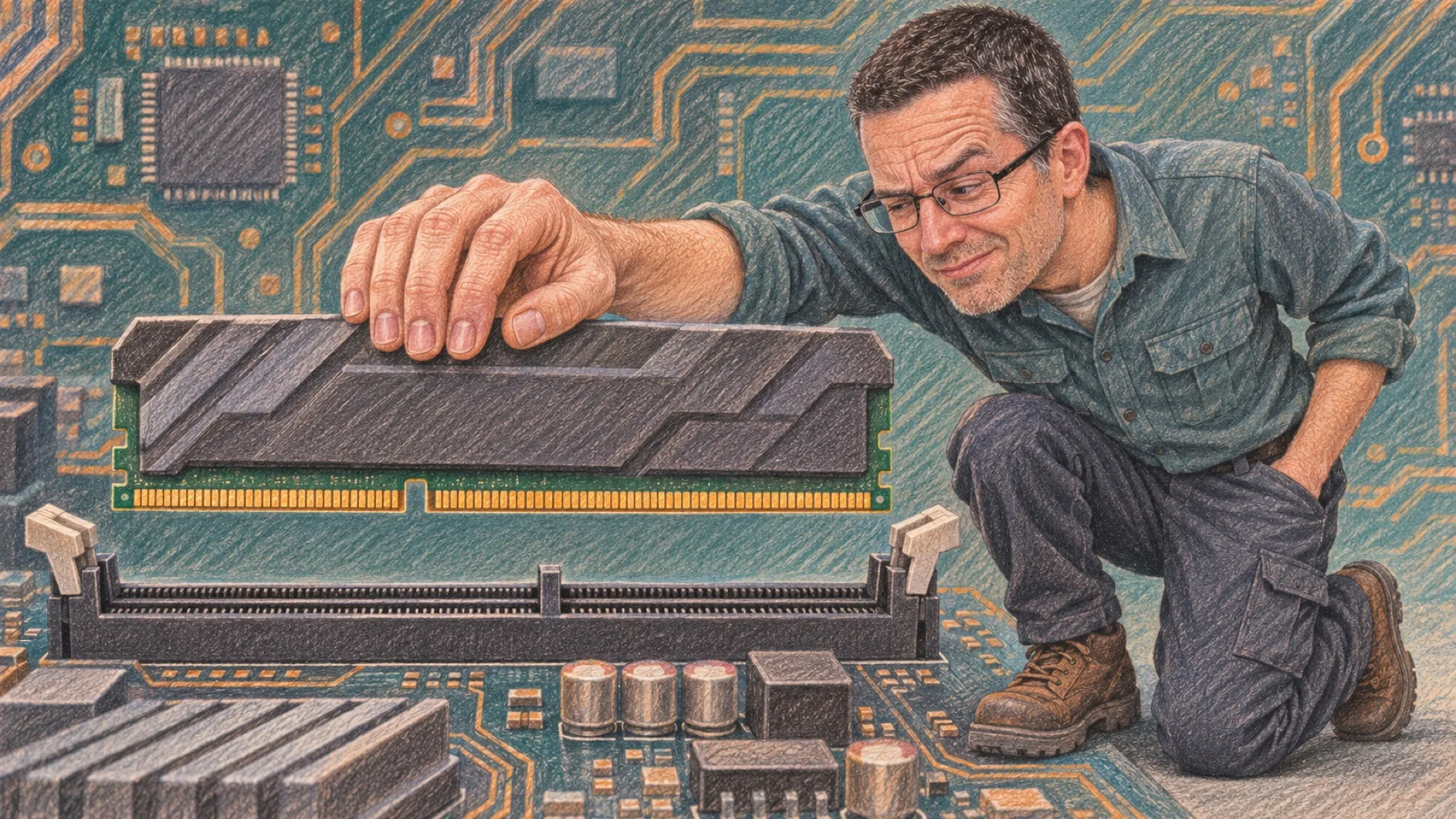
The easiest memory upgrade to regret is the one you cannot install. DDR4 and DDR5 may look like neighboring generations of the same familiar stick, but Kingston’s explanation makes the motherboard the first decision. Their keys are different. The slot gets a vote, and it votes before your shopping cart does.
The comparison that attracts attention is straightforward: a DDR4 standard transfer-rate ceiling of 3200 MT/s against DDR5’s 4800 MT/s starting point. Divide 4800 by 3200 and you get 1.5. That is a 50% increase in the quoted transfer rate. It is not a measurement showing every program completes its work 50% sooner.
| Standard feature | DDR4 | DDR5 |
|---|---|---|
| Transfer-rate reference in Kingston’s overview | Up to 3200 MT/s | Starts at 4800 MT/s |
| Data organization per ordinary module | One 64-bit channel | Two independent 32-bit subchannels |
| Ordinary module key | DDR4 position | Different DDR5 position |
| On-die ECC | Not the DDR5 feature | Correction inside each DRAM chip |
Those two 32-bit subchannels are an organizational change, rather than a claim that the total data width has doubled. Two times 32 is still 64. The interesting part is that the subchannels can operate independently. You need to look at how work reaches memory to understand a performance result, rather than treating the number of channels as an automatic multiplier.
The generation comparison is also a reminder to buy for the system you have. A motherboard designed for one generation does not acquire support for another because the newer memory has an attractive specification. Check the board’s supported memory generation and its compatibility information before ordering a kit. Do the same for a laptop’s actual upgrade options.
Then there is ECC, a tiny abbreviation doing a surprisingly large amount of shopping-cart persuasion. DDR5’s on-die error correction operates inside the DRAM chip. It does not provide correction for the complete trip between the memory module and processor. Kingston explicitly separates those protections.
That means ordinary DDR5 is not automatically a substitute for a system designed around full ECC memory support. If the application requires that broader protection, verify the processor, board and module requirements together. A familiar label cannot bridge a missing hardware boundary.
These are standard reference points, too. They do not describe every overclocked kit on sale, and the word “starts” does not set DDR5’s maximum. Comparing two specific kits means checking their actual settings and your board’s support rather than recycling this table as a buying guarantee.
If you are shopping, these DDR4 memory search results and DDR5 memory search results are separate aisles for a reason. Confirm the slot first, then compare the kit.
No amount of bandwidth moves the notch.