
perfectclone mirrors a website’s real files so its Next.js pages can still hydrate
A Python tool captures browser-loaded assets and offers local rehosting checks, with backend-dependent features left outside its reach.
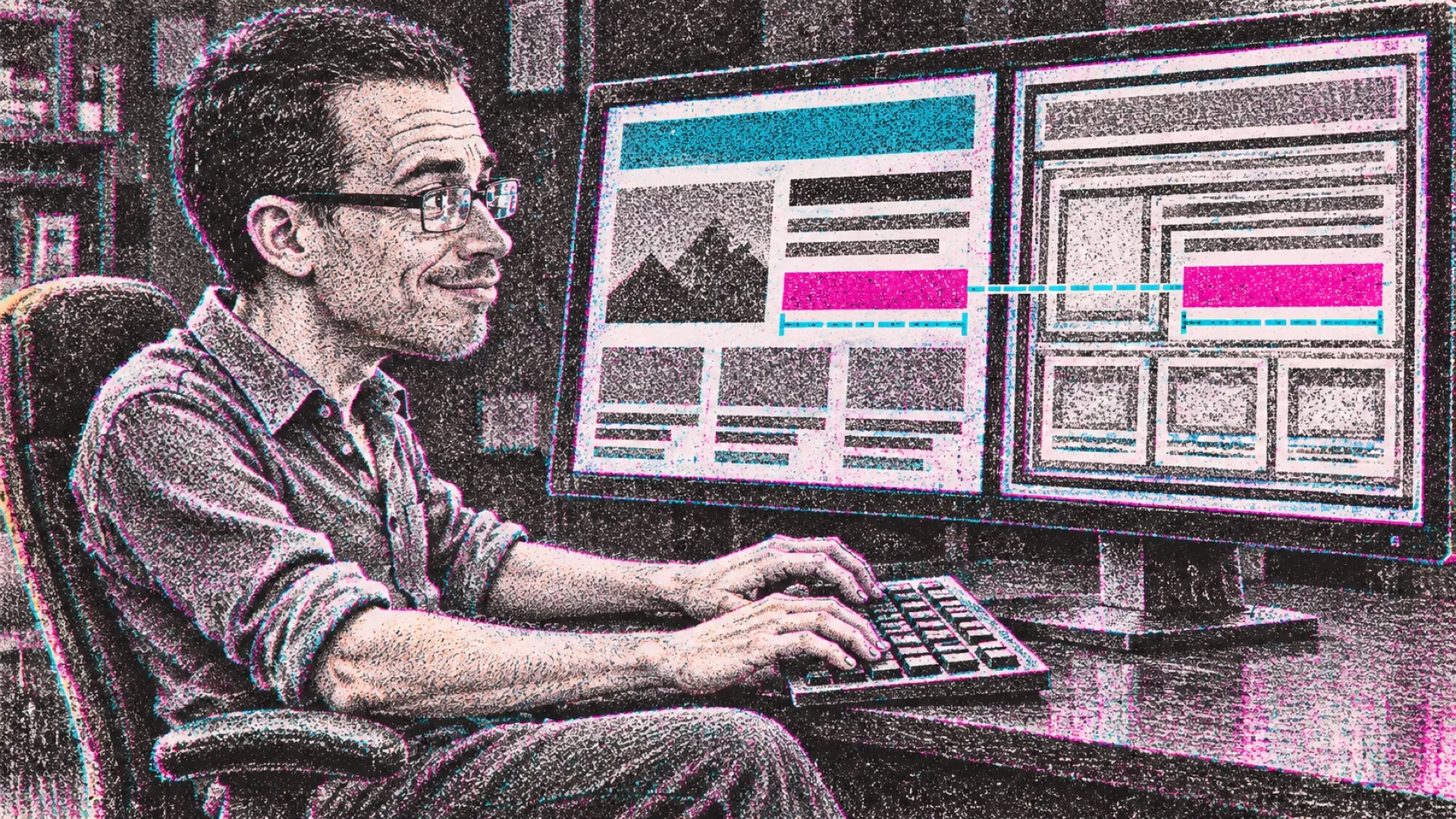
The website already shipped its frontend to a browser. perfectclone’s approach is to keep those files instead of asking another tool to redraw the site from a screenshot. Chromium visits the pages, loads their assets and leaves a folder that can be served locally. A photocopier has entered the website-cloning conversation, and it brought the originals.
The maker’s README describes the output as “HTML, JavaScript, CSS, fonts and images.” That list explains why the copy can retain behavior that a screenshot reconstruction might miss. The browser sees the actual bundles, including the pieces loaded after the first HTML document arrives.
The hard part is keeping those pieces coherent after moving them. Modern frontends may hydrate on load, turning server-produced markup into an interactive application. A copy that looks right for one frame can still break when JavaScript takes over. perfectclone specifically targets that failure, alongside lazy-loaded assets and local handling of Next.js image requests.
Its published compatibility table reports full pixel matches and no hydration errors for several tested homepages, with lower matches for Framer and Webflow. Those are the project’s own tests, run at a stated viewport with animation and video paused. They show a defined comparison, rather than proof that an arbitrary site can be copied perfectly at every width and every state.
The exceptions are instructive. Cookie interfaces that depend on the original backend don’t necessarily operate on localhost. A carousel can also differ depending on when a capture occurs. Pixel comparisons have clocks as well as pixels; moving content is excellent at reminding everyone of that.
The tool’s commands go beyond downloading. Text replacement can update branding while leaving asset paths alone, and rehosting changes canonical addresses and other references to the original origin. Trackers are stripped by default, with a manifest recording pages, failures and third-party hosts. The local server supports clean URLs and mirrored image requests.
For an owner moving a site they control, that combination could provide an inspectable frontend checkpoint before a migration. It could also help compare a redesigned page with its previous behavior. Copying publicly served files doesn’t grant permission to republish somebody else’s work, and the existence of a local folder doesn’t recreate a login service or database.
The documented installation uses Python 3.10 or later, with Chromium downloaded on the first clone. That browser dependency is part of the actual setup, even though the command itself is short. No need to confuse a one-line command with a one-file application (a classic installer’s hobby).
A useful migration rehearsal would walk the copied site, exercise forms and inspect failed requests before changing any public address. The unresolved work is whatever the frontend expected its original servers to do.
The backend didn’t fit in the photocopier.